
The journey breaks between devices
Customers start in one place and continue in another, while your interfaces and information do not follow the same logic.
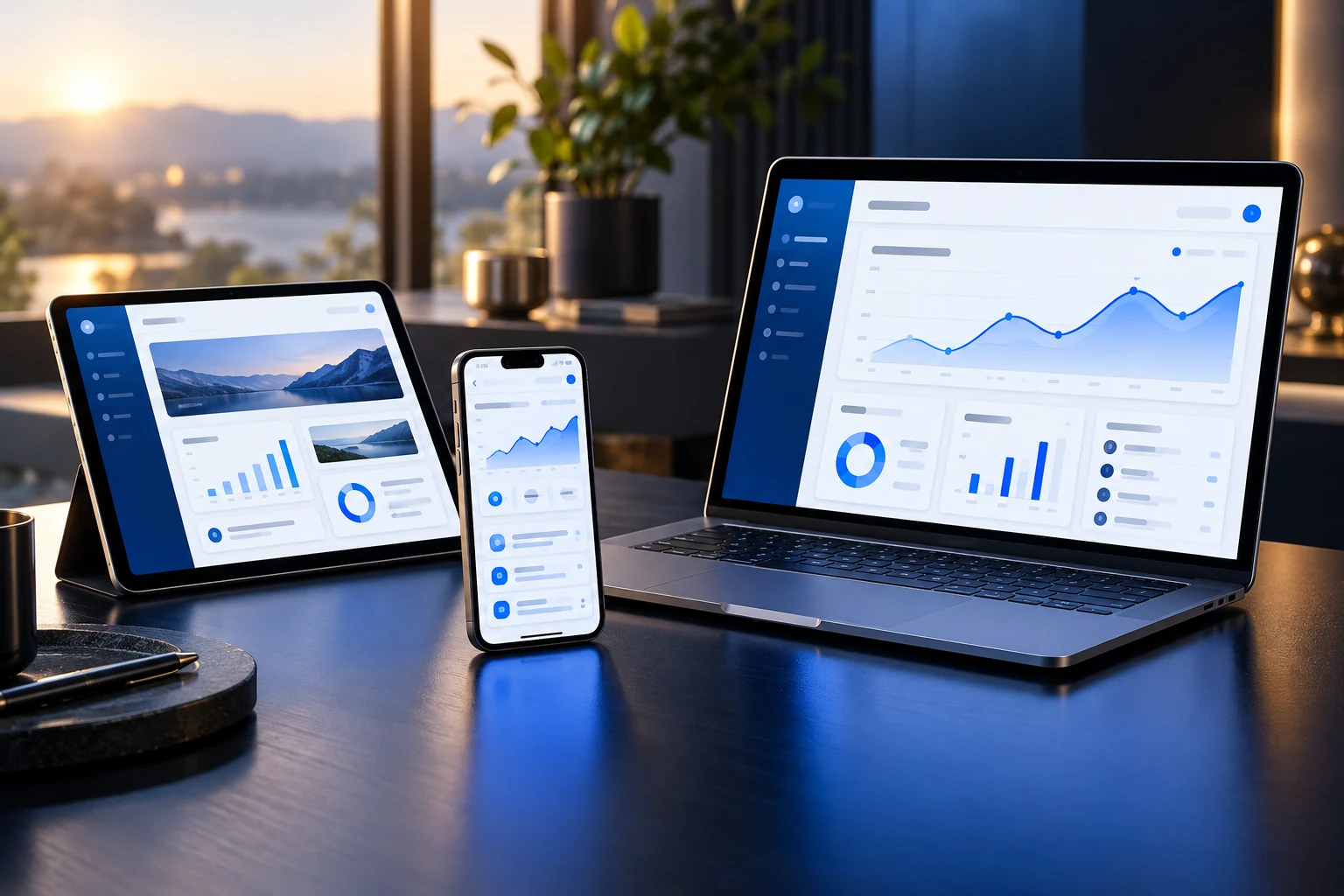
Digital experiences
Bring websites, web applications, and mobile experiences together around the tasks your users need to complete.
The business context
Customers start in one place and continue in another, while your interfaces and information do not follow the same logic.
A cluttered journey can turn a simple request, update, or transaction into unnecessary work.
A polished screen still creates manual work if it does not connect to the business systems behind it.
What we can help with
Browser-based tools and portals for customer, employee, and partner tasks.
Mobile experiences planned around the user context, device needs, and supporting services.
Journeys, navigation, and interface decisions grounded in what people need to do.
APIs, identity requirements, business data, and the integrations that support the experience.
Illustrative scenario · Not a client case study
A service business might need customers to submit requests on a phone, review progress in a browser, and receive consistent information from its internal team. A connected approach starts with those journeys and works backward to the application services and integrations required.
Explore more possible applicationsOur approach
Describe the people, tasks, devices, and environments the experience must serve.
Work through navigation, content, accessibility, and the states between a task’s beginning and end.
Develop interfaces alongside the APIs, data, and permissions they depend on.
Test relevant devices and journeys, plan release, and agree how feedback and maintenance will be handled.
When to talk
Before we begin
The right choice depends on the tasks, device capabilities, audience, distribution, and maintenance needs. Those decisions belong in discovery, rather than being assumed at the start.
Yes. Existing brand assets and design guidance provide the starting point. New journeys and screens can be developed around that identity.
They should be considered with the user journey. Access, data ownership, API availability, and error handling influence the interface as much as visual design does.
Keep the bigger picture in view
Make the next step a useful one
Bring the business context. We’ll help shape a practical next step.